
If you want to mount a hard disk in exFAT format to a Linux system, what should the unknown file system do when mounting?
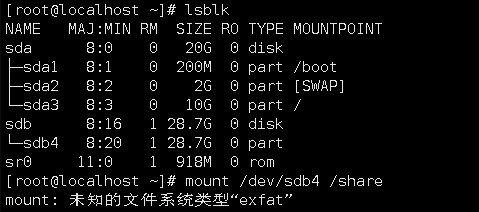
(Figure 1. Error mounting exFAT format disk)
Cloud Platform Environment: ZStack Enterprise 3.10.1
Network Environment: Flat Network
Primary Storage Environment: Local Storage
Mirror Server Environment: Mirror Warehouse
Physical Machine Operating System: ZStack Customizes Centos7. 6
Cloud host operating system: Centos7. 6/7.4
Cloud host kernel version: 3.10.0-957. El7. X86_ 64
Linux systems cannot read exFAT-formatted file systems directly, so drivers need to be installed on Linux systems to read exFAT-formatted file systems.
1. Linux systems require usb-storage drivers and UAS (mass storage device) drivers to be installed:
[ root@localhost ~]# modprobe usb-storage
[ root@localhost ~]# modprobe UAS
2. Install dependent packages
Yum install subversion fuse-devel-y
3. Download and install fuse-exfats and exfat-utils
Download and install exfat-utils
https://download1.rpmfusion.org/free/el/updates/7/x86_64/e/exfat-utils-1.3.0-1.el7.x86_64.rpm
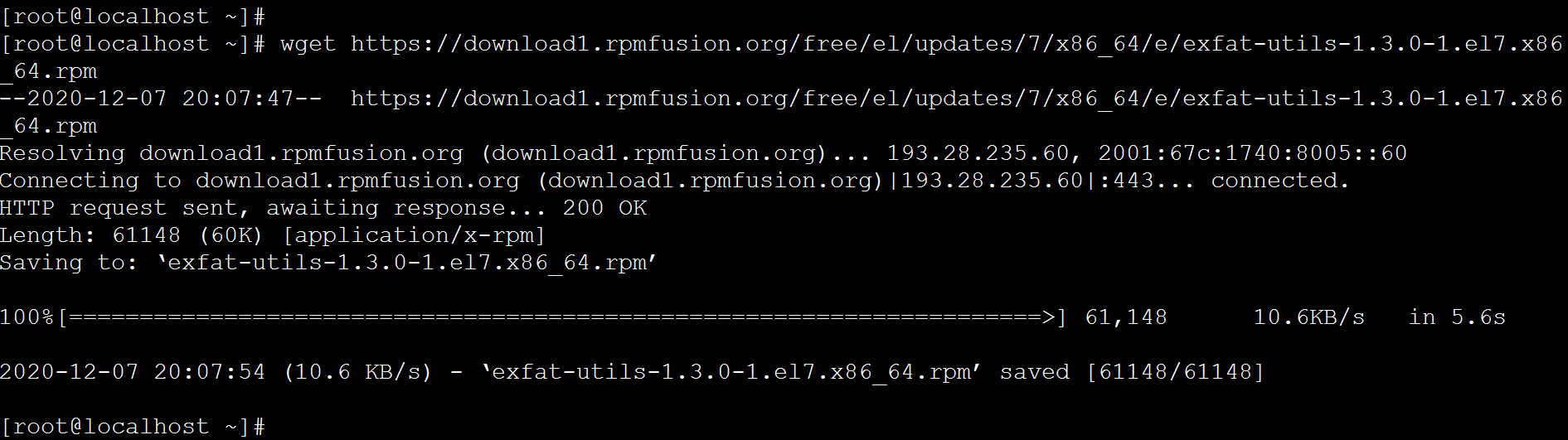
(Figure 2. Download exfat-utils)
Rpm-ivh exfat-utils-1.3.0-1. El7. X86_ 64.rpm
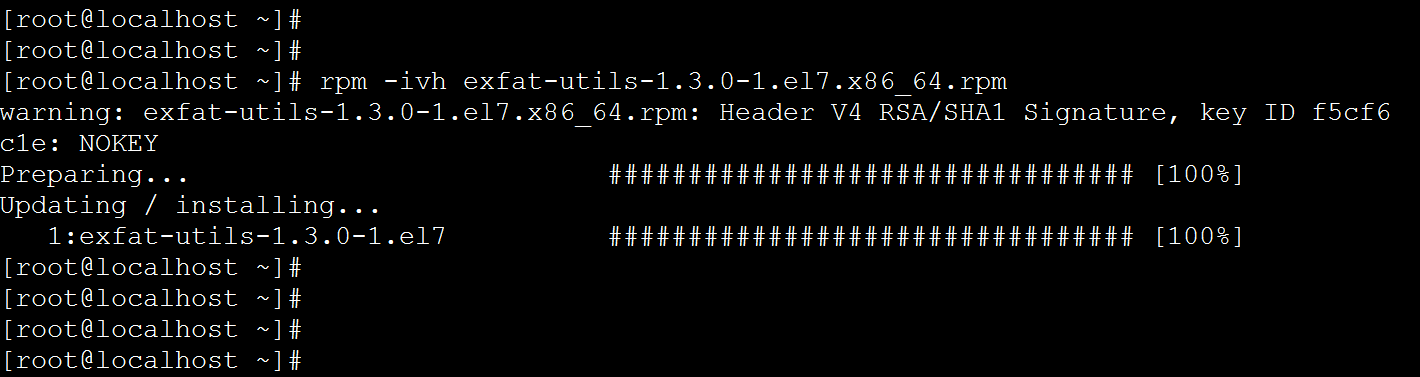
(Figure 3. Installing exfat-utils)
Download and install fuse-exfat
ftp://ftp.pbone.net/mirror/rpmfusion.org/free/el/updates/7/x86_64/f/fuse-exfat-1.3.0-1.el7.x86_64.rpm
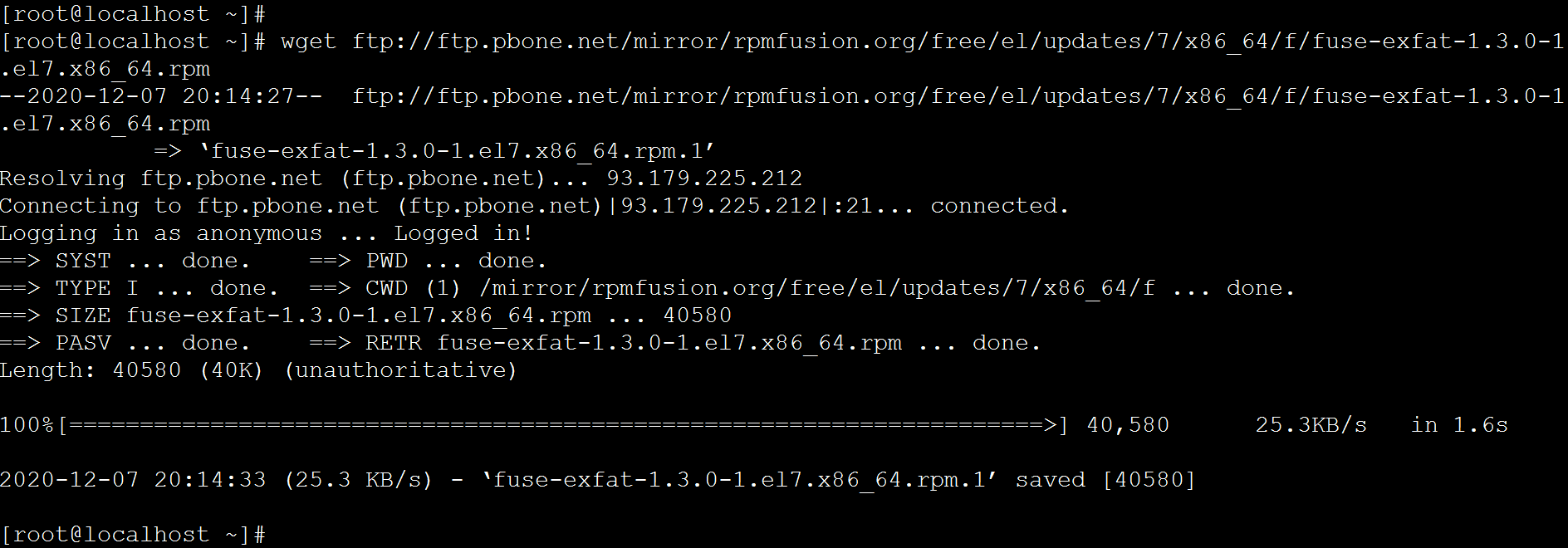
(Figure 4. Download fuse-exfat)
Rpm-ivh fuse-exfat-1.3.0-1. El7. X86_ 64.rpm

(Fig. 5. Installing fuse-exfat)
4. minidisk
Mount - T exfat/dev/sdb1/share
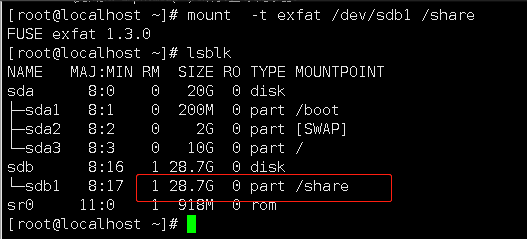
(Figure 6. Mount device)
5. View Validation Content
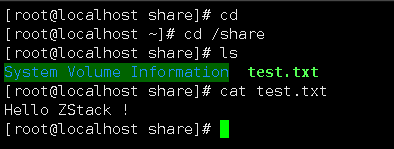
(Figure 7. Verify disk file)
Comments
0 comments
Please sign in to leave a comment.