
Description
The ZStack cloud platform supports injection of UserData when creating a cloud host using a Linux image encapsulated with cloud-init, and modification of the cloud host root password by injection of userdata. However, the creation of a cloud host setting UserData parameter after modifying the root password does not take effect, what do you need to do?
Environment
Cloud Platform Environment: ZStack Enterprise 3.8.5
Main Storage: ZStack Enterprise Distributed Storage
Mirror Server Environment: Mirror Warehouse
Network environment: VPC network
Physical Machine Operating System: ZStack Custom Centos76
Cloud host operating system: Centos 7.8
Cloud-init version: 18.5-6. E17. Centos. 5.0.1. X86_ 64
Cause
Cloud-init version installed on the cloud host is 18.5, which has compatibility issues with cloud platforms. The recommended version is Cloud-init version 0.7.9 version 17.1 or version 19.4 and above.
Resolution
1. Make sure the UserData input is in the correct format and refer to the small assistant prompt.
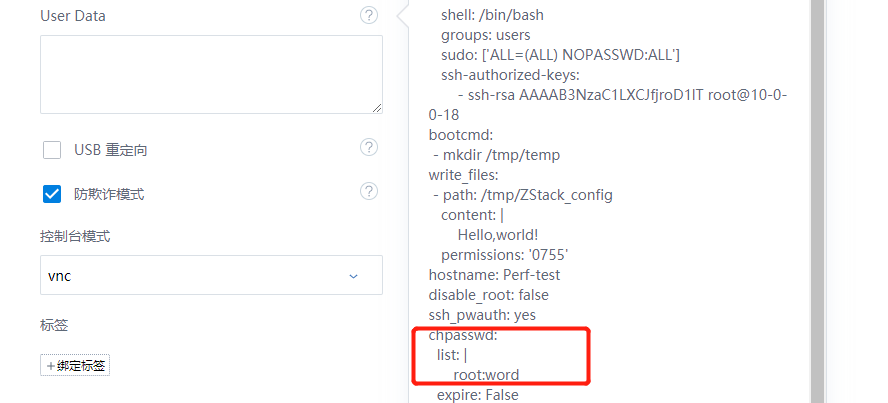
(Figure 1 refers to the small helper prompt format when injecting UserData)
2. Replace the Cloud-init version with the recommended version.
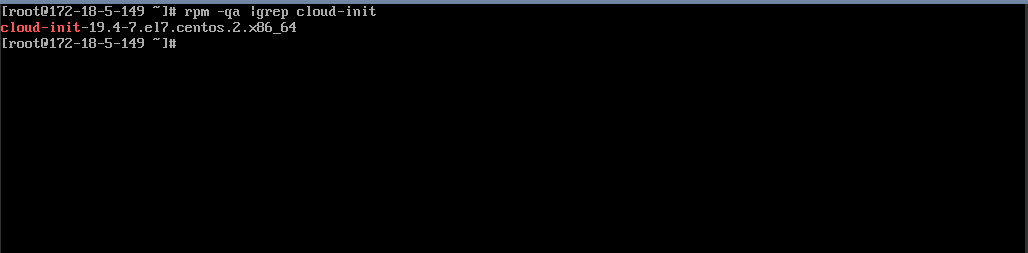
(Figure 2 Confirm that cloud-init version is installed on the cloud host system)
3. Create a cloud host image based on changing the cloud-init version of the cloud host.
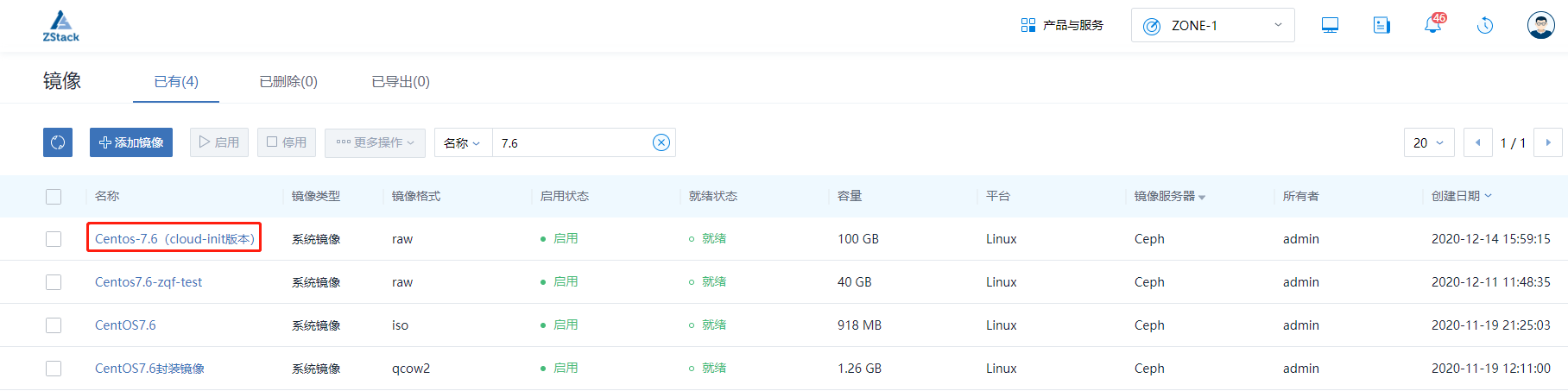
(Figure 3 creates a cloud host image)
4. Select this mirror template to create when creating a cloud host.
Create Cloud Host Click Advanced Settings, find UserData and change the password, such as changing the password to word, click OK, and click Create Cloud Host. After the cloud host is created, the backward console enters the modified password word and can enter the system normally.
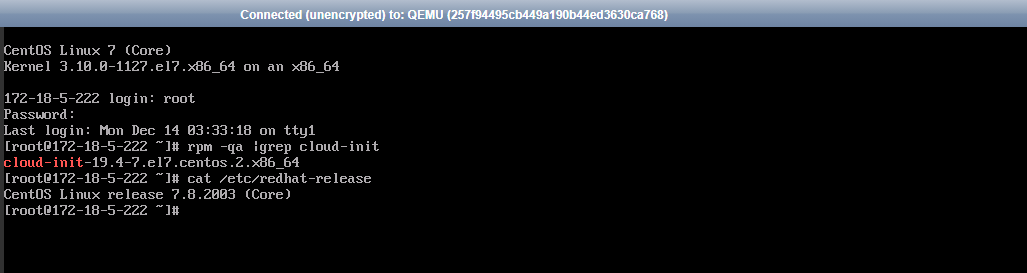
(Figure 4 Verify that the password change is valid)
Comments
0 comments
Please sign in to leave a comment.