
Description
After configuring the user interface using the self-purchased pkcs12 certificate according to the "HTTPS Login UI Use Tutorial" in the Official Web Practice Tutorial, the UI can be accessed normally through HTTPS and the cloud host console cannot be opened.
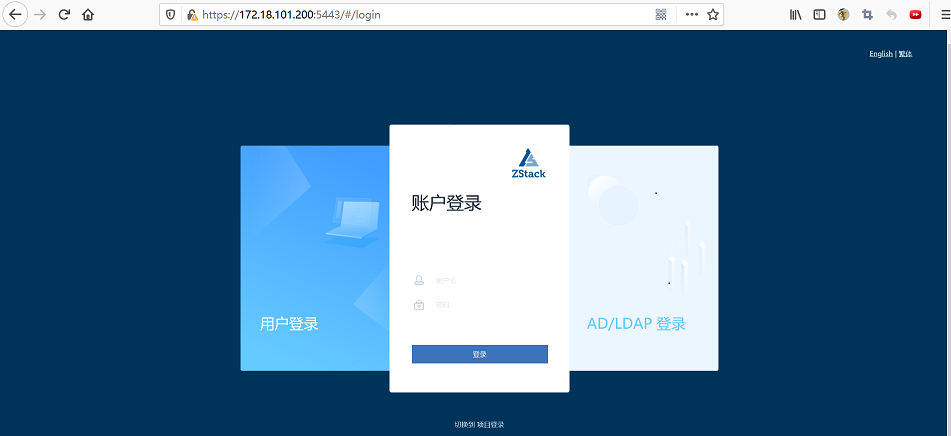
(Figure 1 UI access is normal)
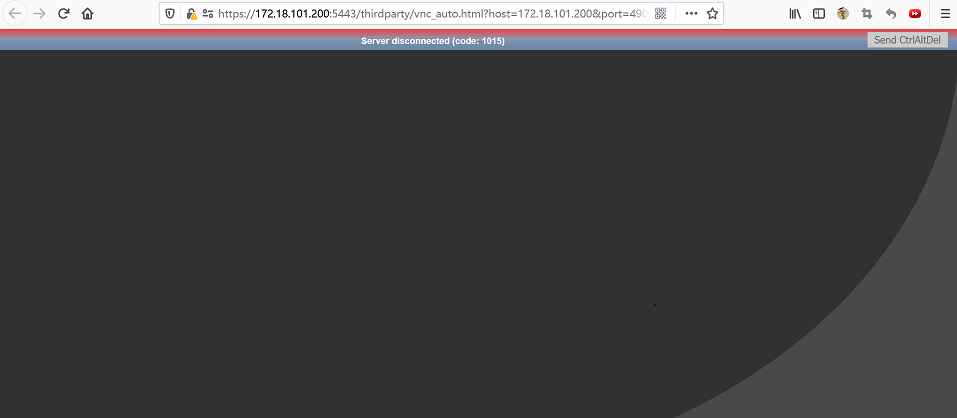
(Figure 2 Cloud host console access exception)
Environment
Cloud Platform Environment: ZStack Enterprise Version 3.10.8
Network Environment: Flat Network
Main Storage Environment: ZStack Enterprise Distributed Storage
Mirror server environment: Ceph type mirror server
Cause
The alias of the PKCS12 certificate (.p12 format) contains'#','?' When converting to X509 format (.pem) certificates, there is a problem with special characters such as these, which prevents the console from opening properly.
Resolution
1. ZStack-ctl stop stops managing nodes and UI services
2. Use the following command to query the alias of the PKCS12 certificate, where/path/keystore. P12 is the path to the certificate in PKCS12 format.
Keytool - List - V - Keystore / Path/keystore. P12|grep - I Alias
Then use the following command to set a new alias for the certificate, where old_ Alias is the alias queried, new_ Alias is the new alias to set.
Keytool - Changealias - Keystore Keystore. P12 - Alias Old_ Alias - Destalias New_ Alias
Example:
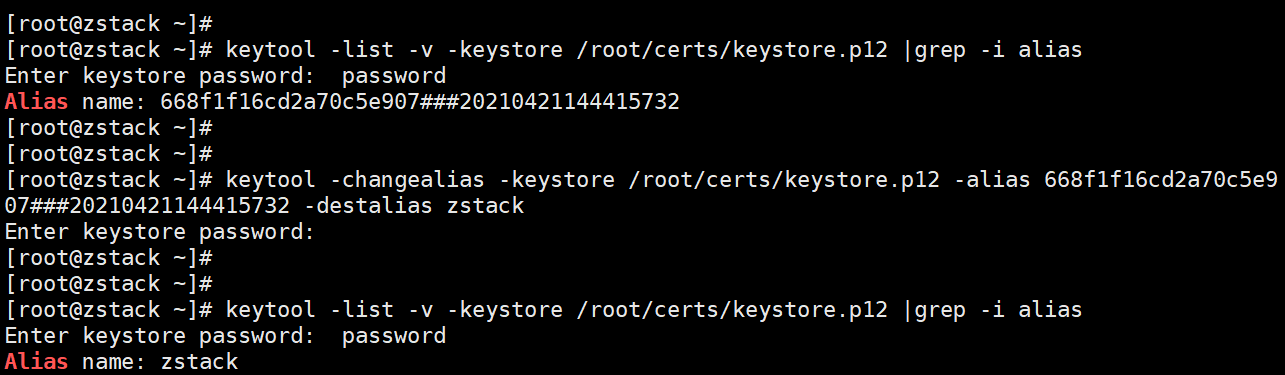
(Figure 3 Query and modify PKCS12 certificate alias)
Note: The ZStack management node has keytool by default, and the path is/usr/lib/jvm/java-1.8.0-openjdk/bin/keytool. You can use the following commands to generate a soft link for easy use.
Ln - S / Usr/lib/jvm/java-1.8.0-openjdk-1.8.0.222. B10-0. El7_ 6.x86_ 64/bin/keytool / Bin/keytool
3. Use the following command to convert the PKCS12 format certificate to X509 format for use by the VNC console, where/path/keystore. P12 is the path to the PKCS12 format certificate.
Openssl Pkcs12 - In / Path/keystore. P12 - Out / Path/ui. Keystore. Pem - Nodes
Back up the original PEM certificate with the following command, then UI the certificate generated above. Keystore. The PEM is copied to the default storage path of the VNC console certificate/usr/local/ZStack/ZStack-ui.
cp / Usr/local/ZStack/ZStack-ui/ui. Keystore. Pem / Usr/local/ZStack/ZStack-ui/ui. Keystore. Pem. Bak  ## Back up the original PEM certificate
cp /root/certs/ui.keystore.pem /usr/local/zstack/zstack-ui/ui.keystore.pem
Example:

(Figure 4 Generate X509 format certificate and copy to VNC console certificate default store directory)
4. Execute the following commands to customize information such as certificate alias, certificate path, certificate type, private key password, HTTPS login port, and use custom certificate to login UI in HTTPS mode.
Zstack-ctl Config_ Ui -- Enable-ssl True -- Ssl-keyalias=new_ Alias -- Ssl-keystore=/path/keystore. P12 -- Ssl-keystore-type=PKCS12 -- Ssl-keystore-password=PASSWORD -- Server-port=5443
Where new_ Alias is the new alias we set for the PKCS12 certificate, /path/keystore. P12 is the path of the PKCS12 certificate and PASSWORD is the password of the PKCS12 certificate. 5443 is the port on which the UI is accessed using https. Start the management node service when configuration is complete.
Example:

(Figure 5 Setting up UI certificates and starting services)
5. The Cloud Host Console can be successfully opened after the Management Node Service is started
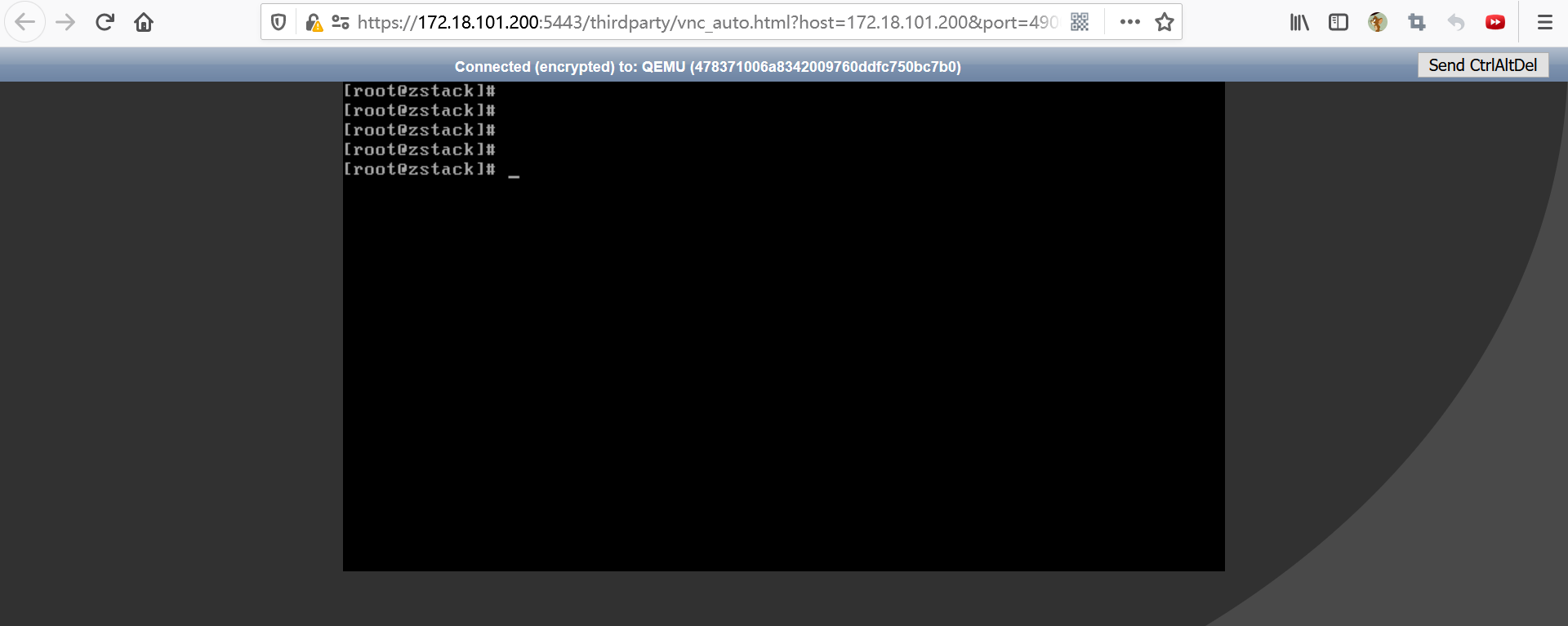
(Figure 6 Console opened successfully)
Comments
0 comments
Please sign in to leave a comment.